















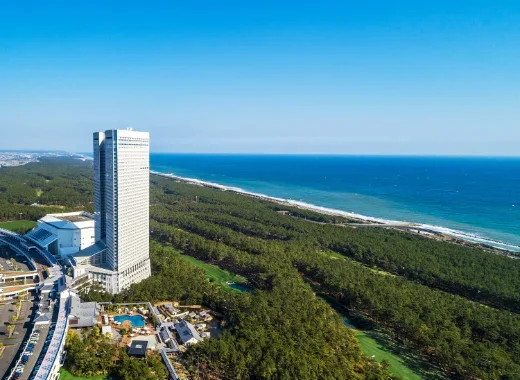




















Self-check-in information for PHOENIX SEAGAIA OCEAN TOWER
At PHOENIX SEAGAIA OCEAN TOWER, you can check in smoothly without having to wait in line.
Click here for instructions on how to use the self-check-in service (video).
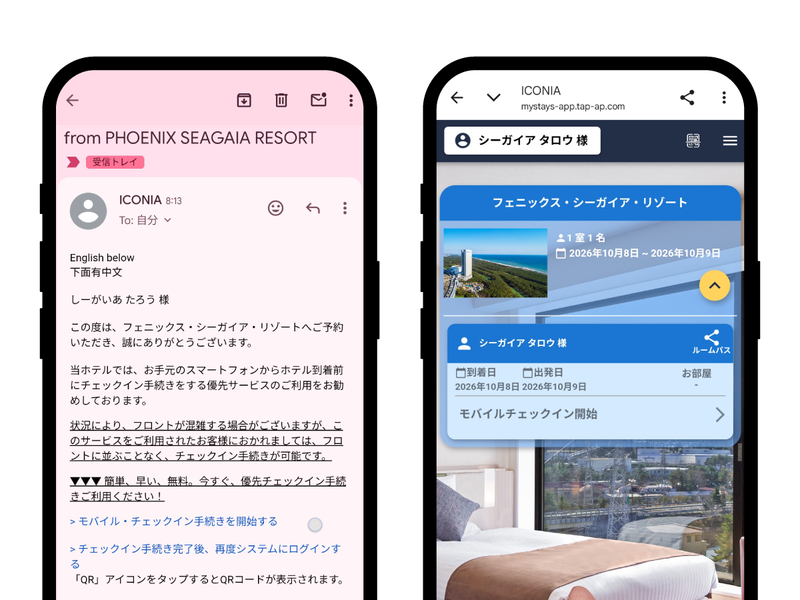
Tap the URL provided in the email, enter the required information, and your pre-check-in will be complete.
* On the day of your stay, please complete the issuance of your room key or other details at the self-check-in machine.
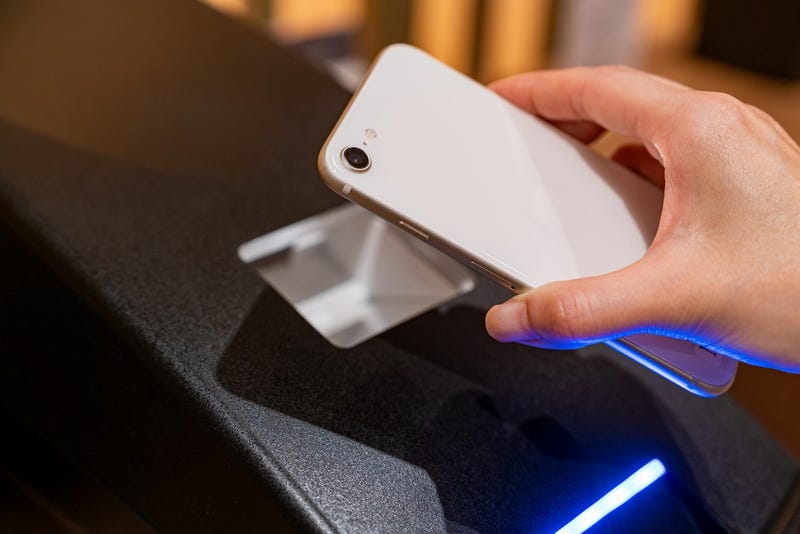
Please hold the acquired QR code over the dedicated terminal.
You will be issued a room key, breakfast voucher, and a room number/hotel information sheet.
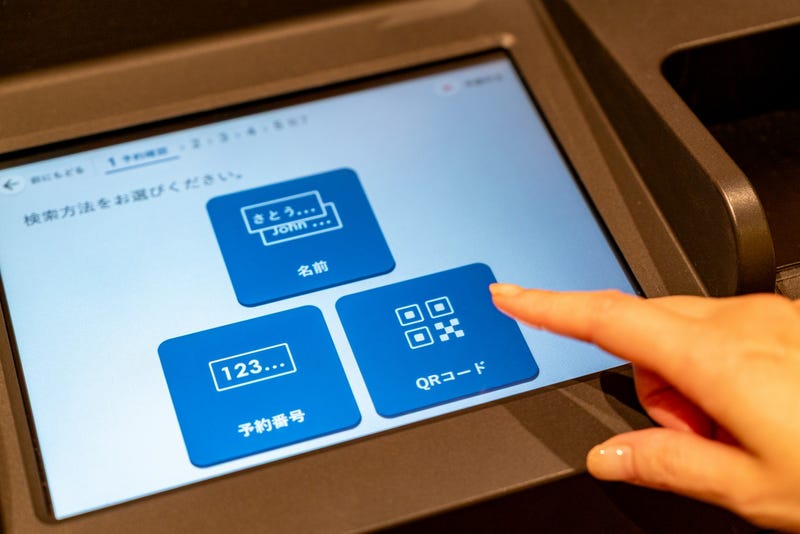
Please search for your name on the dedicated terminal or scan the barcode and enter the required information.
<How to Search for Reservations>
・Search by the name on your reservation
・SPMC Digital Membership Card Barcode
・GoTo Pass membership card QR code
・QR code issued by Rakuten Travel or Jalan
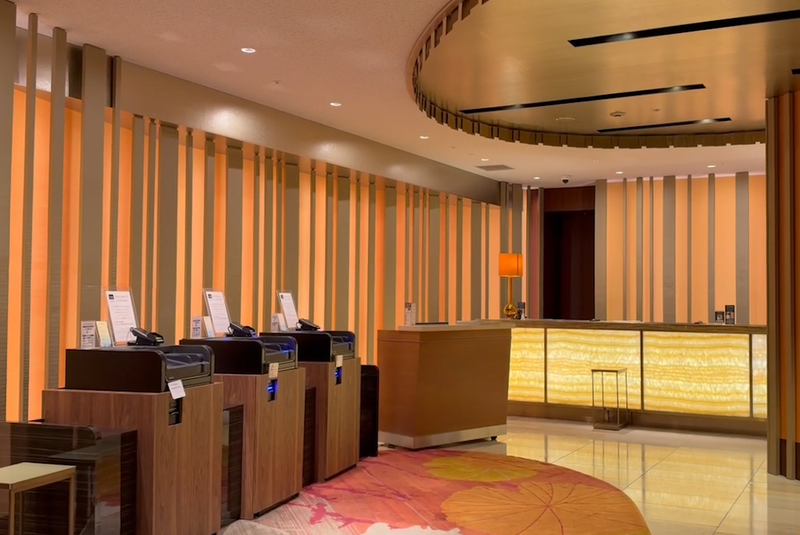
| Place | PHOENIX SEAGAIA OCEAN TOWER 2F, next to the front counter |
|---|---|
| Time | Check-in from 14:00 |
*Due to system limitations, we may be unable to check some reservations.
*The following customers should please visit a staffed counter:
・Those with questions or concerns
・Those who need to complete various procedures
・Those having difficulty using Smart Check-in
・Those with group reservations
・Those taking advantage of local government campaigns, etc.